F(wave) started with a simple frustration: I wanted to talk to my computer and have it type for me, but every good dictation tool came with a pricey monthly subscription. So I built my own.
Instead of locking you into a recurring plan, F(wave) lets you bring your own API key. You plug it in, you talk, it types. You only pay for what you actually use — no middleman markup.
Hold down a hotkey, speak, and release. Your words appear wherever your cursor is — any app, any text field. It's that simple.
Press and hold your hotkey
Say what you want to type
Text appears at your cursor
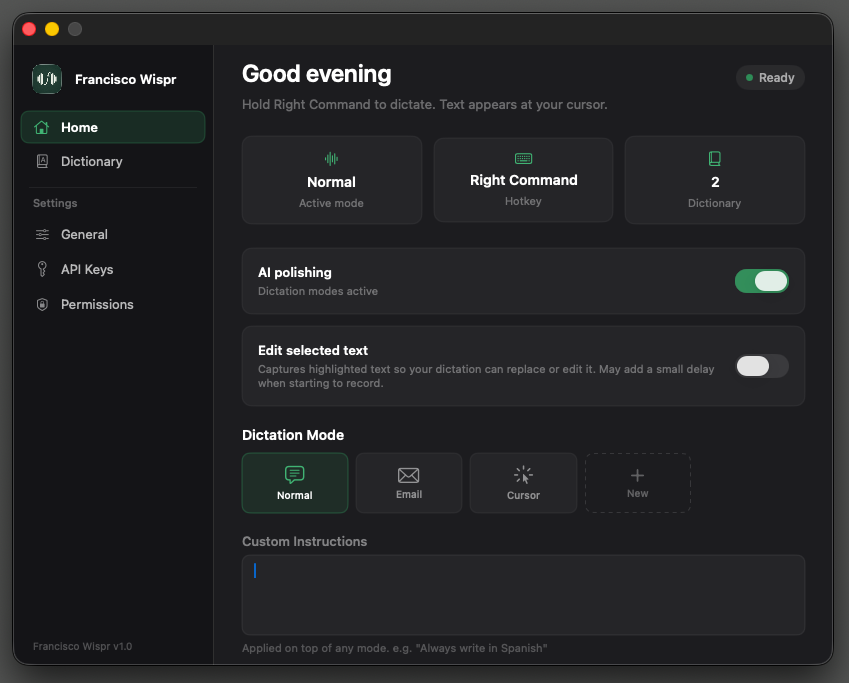
Your dashboard at a glance. See your active dictation mode, current hotkey, and dictionary size all in one place. Toggle AI polishing to have Claude clean up your dictation in real time, or enable Edit selected text to replace highlighted text with your voice.
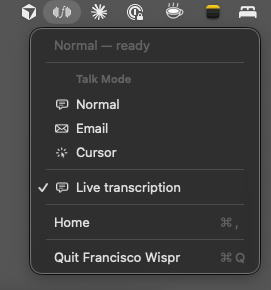
F(wave) lives in your menu bar and stays out of your way. Click the icon to quickly switch between Talk Modes — Normal for everyday dictation, Email for structured messages, and Cursor for context-aware input.
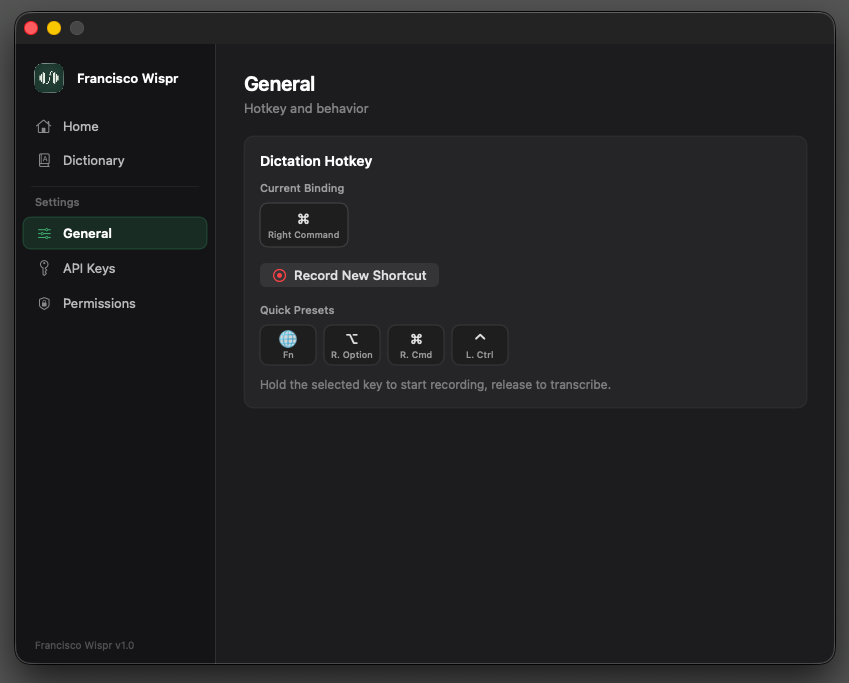
Pick the hotkey that feels right. Choose from quick presets like Fn, Right Option, Right Command, or Left Control — or record a completely custom shortcut.
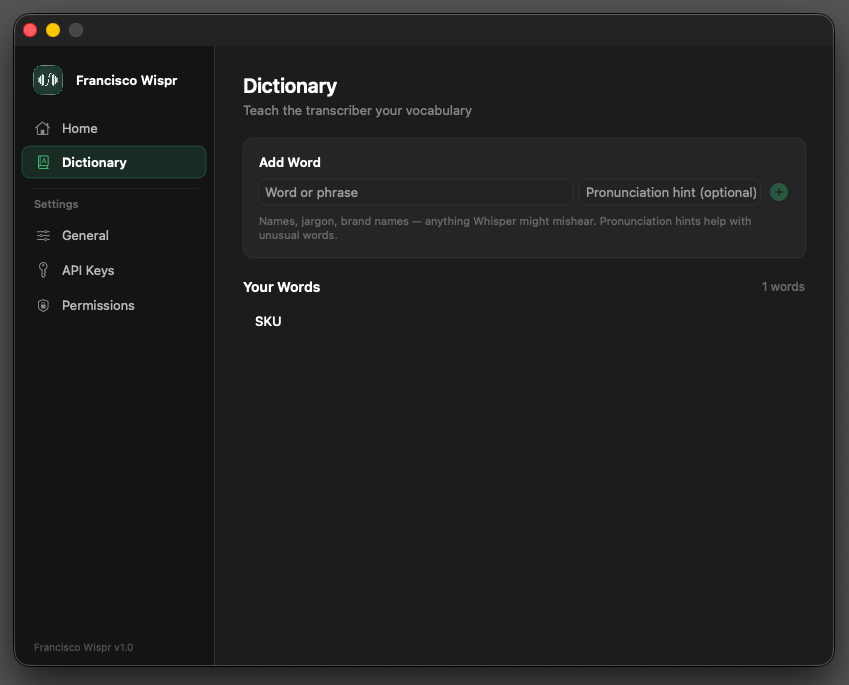
Whisper doesn't always know your world. The Dictionary lets you teach it the names, jargon, and brand terms it tends to mishear. Add a pronunciation hint for tricky words and the transcriber will get it right every time.
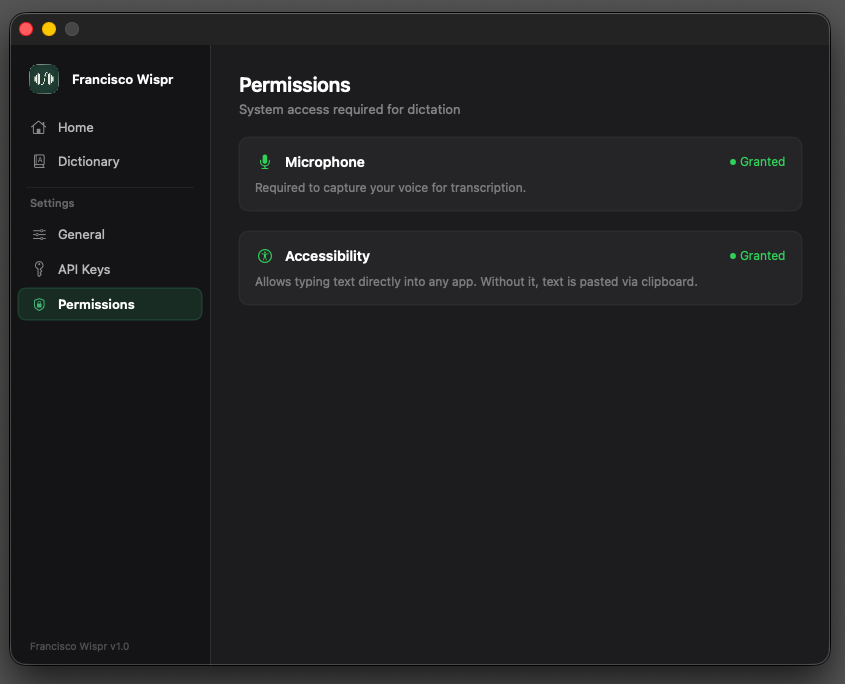
F(wave) needs two system permissions: Microphone access to hear you, and Accessibility access to type directly into any app. The app walks you through granting both on first launch.
Download the beta, plug in your API key, and start talking. It's free to try — you only pay for what you use.
download for macOSmacOS only. Requires an OpenAI or Anthropic API key.